Free at every size
There is no account, paid tier, trial, feature unlock, watermark, or reduced-quality free export.
Free · local processing · no watermark
Turn one image or the first page of a PDF into a wall-sized poster assembled from ordinary printer sheets. Grand Print is free at every size, requires no account, and handles files locally in your browser.
Print big with an ordinary printer
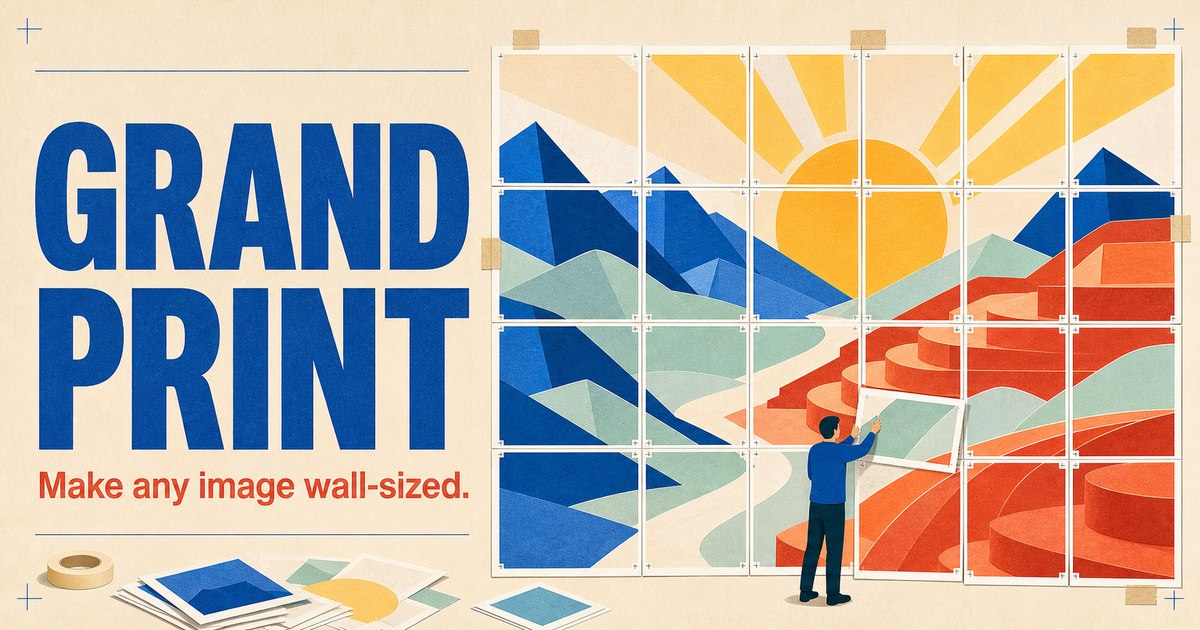
Grand Print is a browser-based tiled printing tool. Instead of sending a large-format poster to a print shop, you divide the design across A4, Letter, Legal, Tabloid, or other paper sizes, print the individual pages, and join them by hand.
There is no account, paid tier, trial, feature unlock, watermark, or reduced-quality free export.
File decoding, previewing, page slicing, and export all happen on your device, not through an image upload endpoint.
Pan and zoom against a live page grid, rotate the source, exclude sheets, and add margins, overlap, trim marks, or page labels.
Three clear steps
Open JPEG, PNG, WebP, TIFF, HEIC/HEIF, or a PDF. For a PDF, Grand Print uses page one as the poster source.
Select a paper preset and poster size, then position the source in the live preview. Optional margins, overlap, labels, and trim marks make assembly easier.
Download a tiled PDF or coordinate-named JPG set, print at 100% or “Actual size,” then trim and tape the sheets together.
Flexible inputs and exports
Grand Print makes one poster from one image or one PDF page. It is designed for tiled printing rather than combining multiple documents on a canvas.
Read the official Grand Print FAQOpen
JPEG, PNG, WebP, TIFF, HEIC/HEIF, and page one of a PDF.
Save
A raster multi-page PDF, a ZIP of row-and-column-named JPG sheets, or one direct JPG for the 1:1 square canvas.
Useful at home, school, work, and events
Enlarge a photo, map, or artwork for a home or office wall.
Create photo backdrops, banners, and giant numbers for celebrations.
Make readable placards for rallies, festivals, and community events.
Print window-sized notices for local stores, cafés, and restaurants.
Enlarge timelines, maps, diagrams, and science-fair materials.
Use the 1:1 canvas to crop and export a full-quality square JPG.
Privacy-first workflow
Grand Print says it has no application API or image-upload endpoint. The selected file, live preview, page crops, and final PDF or JPG files are processed in the browser. After the app is loaded and cached, the poster workflow can also work offline.
See Grand Print’s privacy detailsGrand Print FAQ
These answers summarize the app’s current published product information.
Yes. There is no paid tier, account requirement, trial, watermark, or paid feature unlock. A large poster uses more paper, but the app itself remains free.
No. Grand Print processes the source and export locally in your browser and says it has no image-upload endpoint.
You can use JPEG, PNG, WebP, TIFF, HEIC/HEIF, or the first page of a PDF. Password-protected PDFs need to be unlocked before use.
Choose a tiled multi-page PDF or a ZIP of JPG sheets named by row and column. The 1:1 square canvas exports one direct JPG.
Yes. Once the app and its assets have loaded and been cached, the poster-making workflow can run without a network connection.
Ready to print bigger?
Open the browser editor, choose a file locally, and arrange the pages before you print.